Two P100s in one Ubuntu box: driver 580, CUDA 12.9 and the IOMMU trap
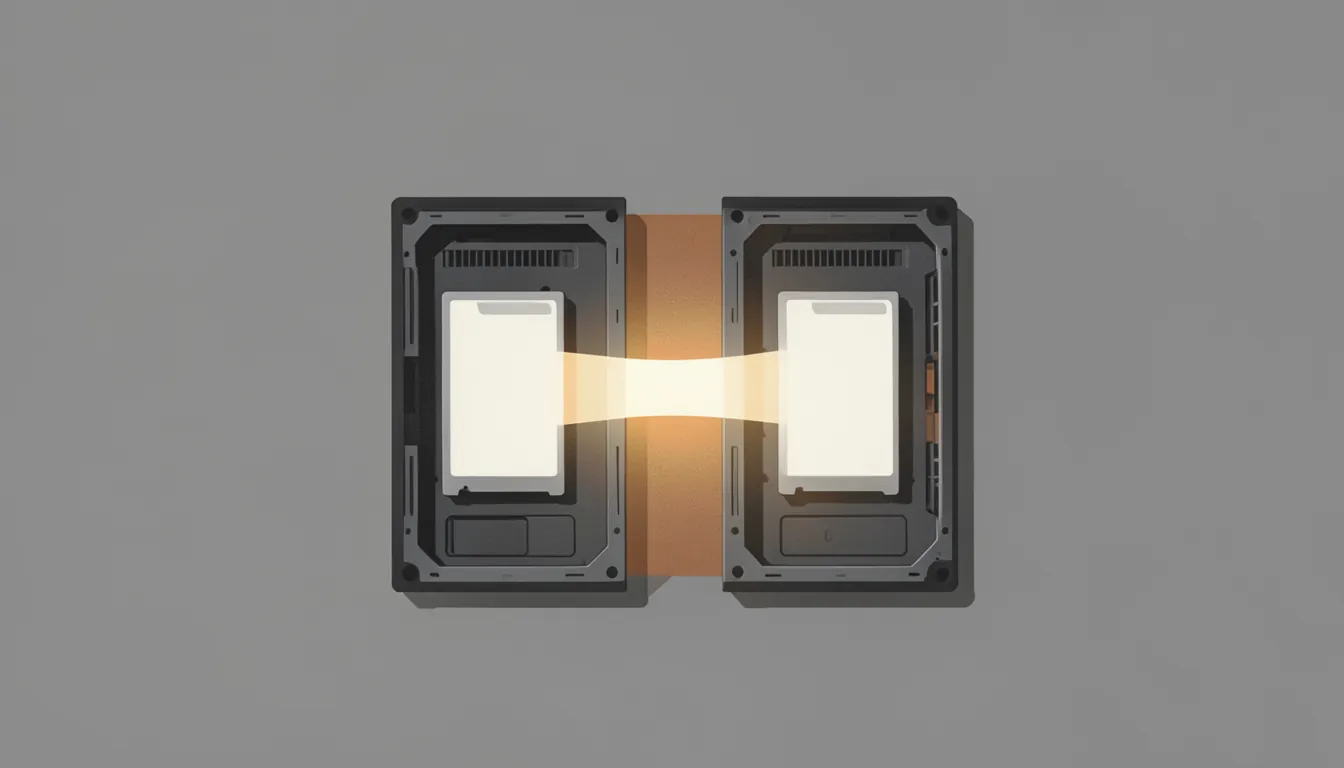
- MODEL
- Qwen3.8-27B Q6_K
- HARDWARE
- Tesla P100 16GB + Tesla P100 16GB
- CONTEXT
- 155K (q8_0 KV)
- RESULT
- 55.9 tok/s decode
- WHAT CHANGED
- iommu=pt, own engine, MTP 3
Short answer: two P100s in one Linux box work well, but on an AMD board check GPU-to-GPU copy speed before anything else. Mine was 0.14 GB/s out of the box. Adding iommu=pt to the kernel command line took it to 6.57 GB/s, and a 27B model went from unusable to about 56 tok/s.
In Part 3 I said a second P100 belongs in the same machine, not across the network. In October I did that: both cards went into one box, and I reinstalled it with Ubuntu 26.04.
The box
- Two Tesla P100 16 GB in an older AMD desktop board (X370), 12 CPU cores, 60 GB RAM
- The two cards share the CPU’s lanes, so each runs at x8
- One 3D-printed shroud with a single fan cooling both cards (more on cooling in Part 6)
1. Driver: 580, proprietary, not “-open”
Same rule as Part 2: the 580 branch is the last one for Pascal, and NVIDIA’s open kernel modules don’t support it. On a headless Ubuntu box:
sudo apt install nvidia-headless-580-server nvidia-utils-580-server
sudo reboot
Two things I hit:
- Nouveau held the cards until a reboot. The NVIDIA package blacklists it, but only a reboot actually unloads it.
- New kernels need a new enough 580. Ubuntu 26.04 ships kernel 7.0. Forum reports say older 580.x releases fail to build there. 580.178 built fine for me.
2. CUDA 12.9 on a distro that wants 13
CUDA 13 dropped Pascal, so the toolkit has to be 12.9. Ubuntu’s own nvidia-cuda-toolkit package was only 12.4, so I used NVIDIA’s runfile. Two snags on 26.04:
- The runfile’s installer wants
libxml2.so.2, which 26.04 no longer has. I unpacked it instead and copied the parts I needed:
then copied each component undersh cuda_12.9.1_*_linux.run --noexec --keep --target cuda-unpackedbuilds/into/usr/local/cuda-12.9, skipping the driver, Nsight, docs and demos. - The default compiler is too new for CUDA 12.9. Install
gcc-14/g++-14and point CMake at them (-DCMAKE_CUDA_HOST_COMPILER=g++-14). I also had to patch one CUDA header that clashed with the newer glibc.
After that, both llama.cpp and my own engine built with -DCMAKE_CUDA_ARCHITECTURES=60.
3. The trap: GPU-to-GPU copies at 0.14 GB/s
The first model run loaded in 21 seconds, and then took 16 seconds to read a 25-token prompt. Both GPUs showed 100% busy at about 39 W. That combination means they’re waiting, not working.
Splitting a model across two cards (tensor parallel) means the cards swap partial results on every layer, so GPU-to-GPU copy speed matters a lot. I measured it:
| Path | Speed |
|---|---|
| GPU → GPU (peer-to-peer) | 0.03–0.15 GB/s |
| GPU → host RAM → GPU | 5.6 GB/s |
| Host ↔ GPU | 6.7 GB/s |
Peer-to-peer was 40 times slower than bouncing through system RAM. nvidia-smi topo -m said peer-to-peer was supported, so nothing looked wrong on paper.
The cause: the AMD IOMMU (the chip that checks and translates device memory access) was in “translated” mode, so every peer-to-peer transfer went through address translation. dmesg | grep -i iommu showed Default domain type: Translated.
The fix: passthrough mode. In /etc/default/grub:
GRUB_CMDLINE_LINUX_DEFAULT="quiet splash iommu=pt"then sudo update-grub and reboot. Afterwards dmesg showed Default domain type: Passthrough, and:
| Path | Before | After |
|---|---|---|
| GPU 0 → GPU 1 | 0.14 GB/s | 6.57 GB/s |
| Both directions at once | — | 4.4–4.5 GB/s each |
iommu=pt keeps the IOMMU on for devices that need it and lets the rest skip translation. It’s a common setting on GPU servers, but it’s a security trade-off on a machine that runs VMs with passed-through devices. On a dedicated inference box it’s fine.
Check this first on any AMD multi-GPU Linux box. A copy-speed test (CUDA’s p2pBandwidthLatencyTest sample, or a few lines of PyTorch) takes a minute and would have saved me the evening.
4. Result
Qwen3.8-27B at Q6_K, split across both P100s on my own engine (Part 5), q8_0 KV cache, 155K context, speculative decoding with the model’s own draft head:
- 55.9 tok/s decode on a 427-token answer
- Both cards at 1328 MHz, 161–170 W, 69–74 °C
- Image input works too: a 2,000-token screenshot was read in about 6 seconds
5. Small things worth doing
- Run the server as a systemd service with
Restart=on-failure,LimitMEMLOCK=infinity(for pinned host memory) andRequiresMountsFor=on the model drive, so it doesn’t start before the disk is there. - Put models on the NVMe. Loading a 23 GB model from an old hard drive takes minutes; from NVMe it’s about 20 seconds.
- Find hwmon sensors by name, not number. The fan controller moved from
hwmon2tohwmon1between boots.
How I ran it
- Ubuntu 26.04.1, kernel 7.0, NVIDIA 580.178 (headless server, proprietary), CUDA 12.9.1, gcc-14
- Copy speeds: the engine’s own small peer-to-peer copy test, before and after the reboot
- Decode: one request, greedy, thinking off, 427 output tokens. One run, not an average.
- Not measured: the same model on Windows on the same box, so I can’t say which OS is faster.