Pairing a P100 with a gaming GPU: splits, buffers and the small-card trap
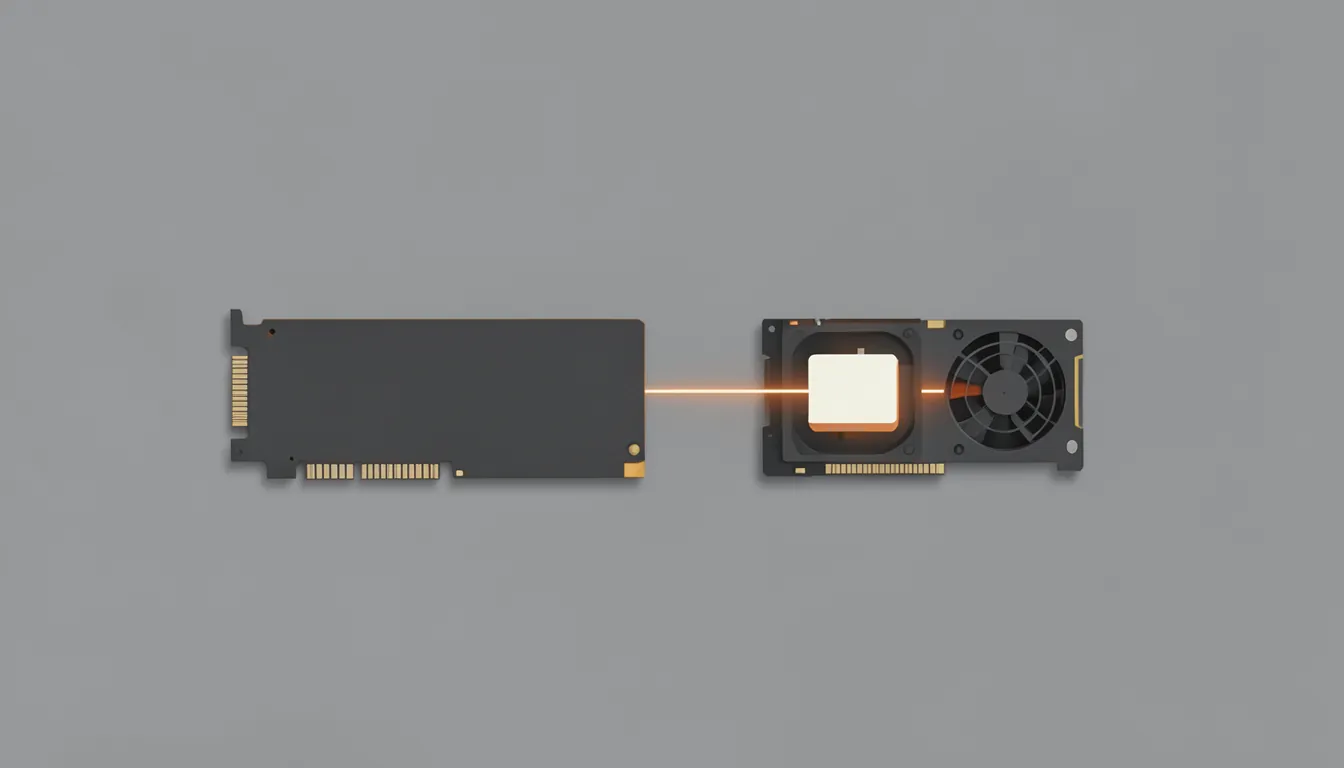
- MODEL
- Qwen3.8-27B Q5
- HARDWARE
- RTX 3070 8GB + Tesla P100 16GB
- CONTEXT
- 160K
- RESULT
- 9.3–9.9 tok/s decode
- WHAT CHANGED
- -sm tensor, split 6.5 / 16
A P100 gives you capacity and your gaming card gives you speed and a display. Here’s how to run one model across both with llama.cpp, condensed from the speed series.
1. Use tensor split
-sm tensor -ts 6.5,16On this pair, tensor split beat layer split by 27% on decode (9.9 vs 7.8 tok/s). Row split doesn’t work on current builds. Details in Part 1.
2. Size the split to the card, minus headroom
-ts 6.5,16 puts about 27% of the weights on the 3070 and 73% on the P100. That’s not 8:16. The small card needs room left over for:
- compute buffers, which grow with ubatch: about +140 MiB per +128 of ubatch, on every GPU, and
- the display and whatever else is using the gaming card.
With this split at ubatch 512, the 3070 had only about 530 MiB free. The small card sets the limit, so budget from its side.
3. Pick your trade: context or prompt speed
Both compete for the small card’s memory:
| Want | Do |
|---|---|
| Faster prompts | Raise -ub (Part 2 saw +67% from 256 to 2048) and shift the split toward the P100 |
| Longer context | Keep -ub small, KV cache at q4_0 (~17.6 KB/token), or move the KV cache to system RAM |
At q4_0 KV, 160K context fits at 9.3–9.9 tok/s. 200K doesn’t.
4. Keep it in one box
Adding more GPUs over the network (llama.cpp RPC) made every configuration slower: numbers here. A second P100 belongs in the same machine, not in another one on your LAN.
Starting point
llama-server -m model.gguf -ngl 999 -sm tensor -ts 6.5,16 -fa on \
  -ctk q4_0 -ctv q4_0 -c 131072 -ub 512
Then adjust -ts and -ub until the smaller card has a few hundred MB free at full context.