Image-to-video on an 8 GB RTX 3070 with FramePack
- MODEL
- HunyuanVideo FramePack I2V
- HARDWARE
- RTX 3070 8GB
- RESULT
- 4.5 s clip in ~7 min, no OOM
- WHAT CHANGED
- First end-to-end image-to-video run on this card
I wanted short motion loops, like a tail wag or a head turn, for cartoon animal sprites to use in kids’ animations. I tried three approaches: Wan 2.2 motion loops, FramePack image-to-video, and plain procedural animation in Remotion with no video model.
The FramePack test
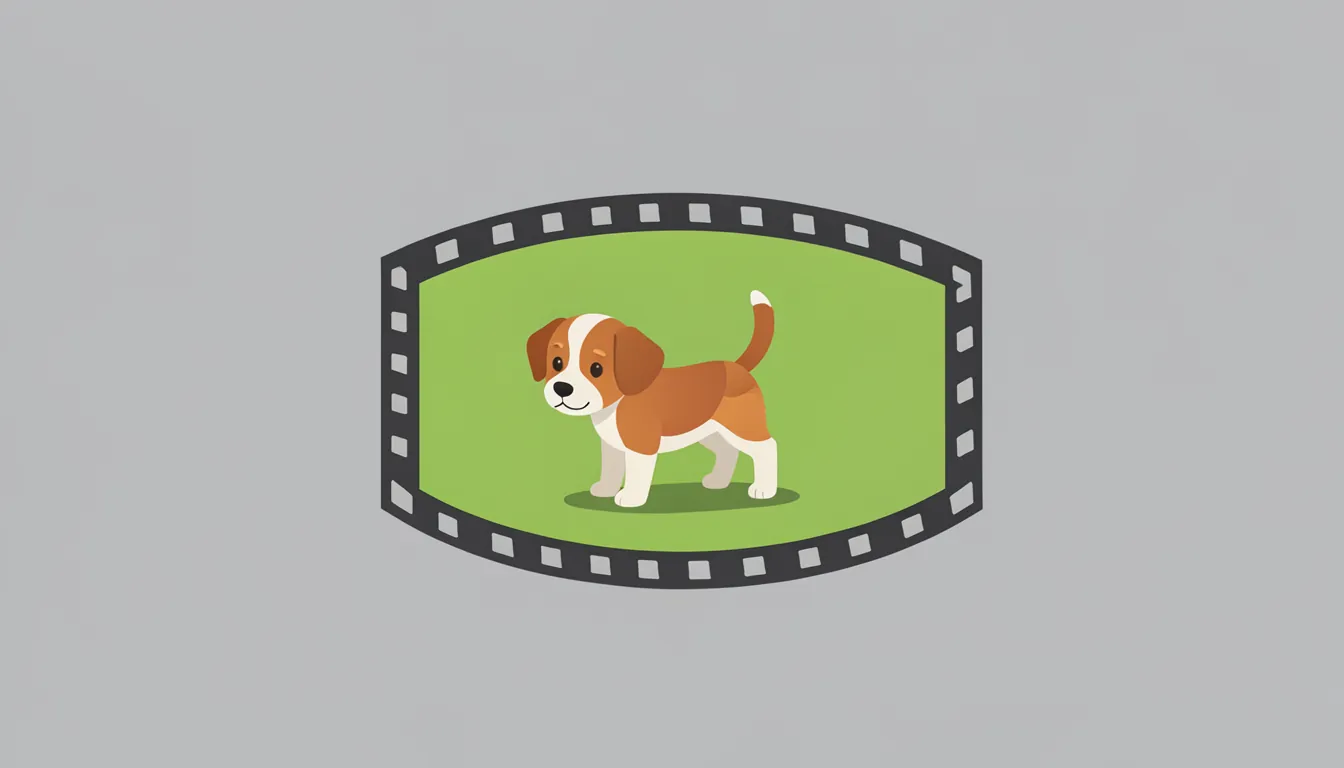
- Input: a single stylized, big-eyed cartoon puppy on a solid green background.
- Output: a 4.5-second clip, rendered in about 7 minutes on an RTX 3070, with no out-of-memory errors.
- Quality: the character stayed on-model the whole time, with visible tail, head and paw motion.
- What matters for production: the solid green background held, so the clip chroma-keys cleanly onto any scene.
Why green screen
Generating the character on green and compositing it later means one motion clip works on any background. The video model also never has to keep a whole scene consistent, which is where these models usually fall apart.
Takeaways
- FramePack runs on 8 GB. Image-to-video doesn’t need a 24 GB card.
- Put a flat chroma background in the source image; the model tends to preserve it.
- For simple motions like a spin, a bounce or a mouth flap, procedural animation still beats any video model on speed and control.